Photorealistic scenes
Portraits, product shots, and lifestyle scenes that hold up at print resolution. Skin, fabric, and light stay believable.
Turn a prompt or a reference photo into a finished image in under a minute.
Press Cmd or Ctrl and Enter to run.
Add up to four photos to keep a face, product, or color.
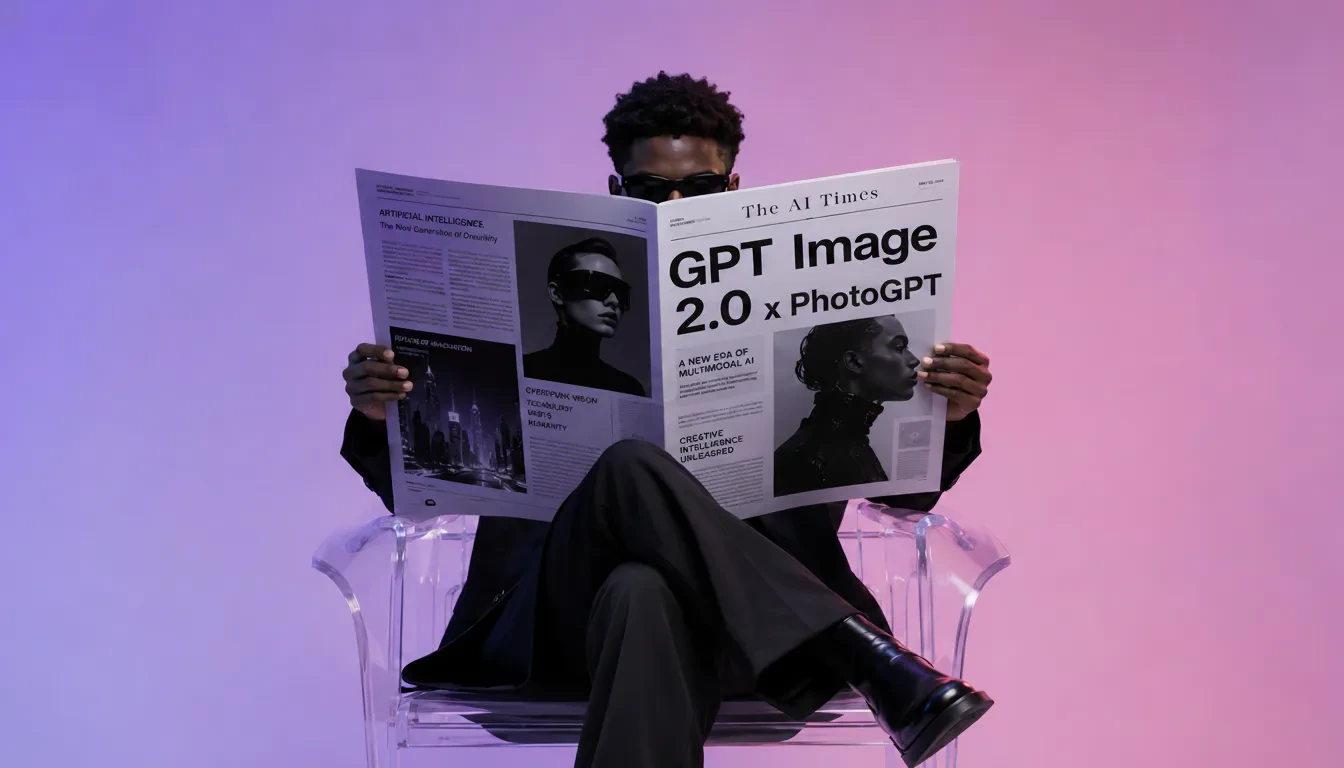
GPT Image 2 is not just a text to image model, it also edits with reference photos and renders readable text inside pictures. Here are the six kinds of outputs it is strongest at.
Portraits, product shots, and lifestyle scenes that hold up at print resolution. Skin, fabric, and light stay believable.
Posters, ad creatives, and covers where the words are part of the picture. GPT Image 2 renders legible headlines and short paragraphs.
Cute mascots, transparent stickers, avatar sets, and repeatable character designs. Consistent style across a small batch.
Add a reference photo, describe the change, and get an edited version. Swap outfits, change backgrounds, or restyle a scene.
Book covers, editorial illustrations, blog headers, and social banners. Paint, ink, watercolor, isometric, and more, on demand.
Simple symbols on clean backgrounds, coordinated app icon sets, and quick logo drafts you can iterate on in one prompt.
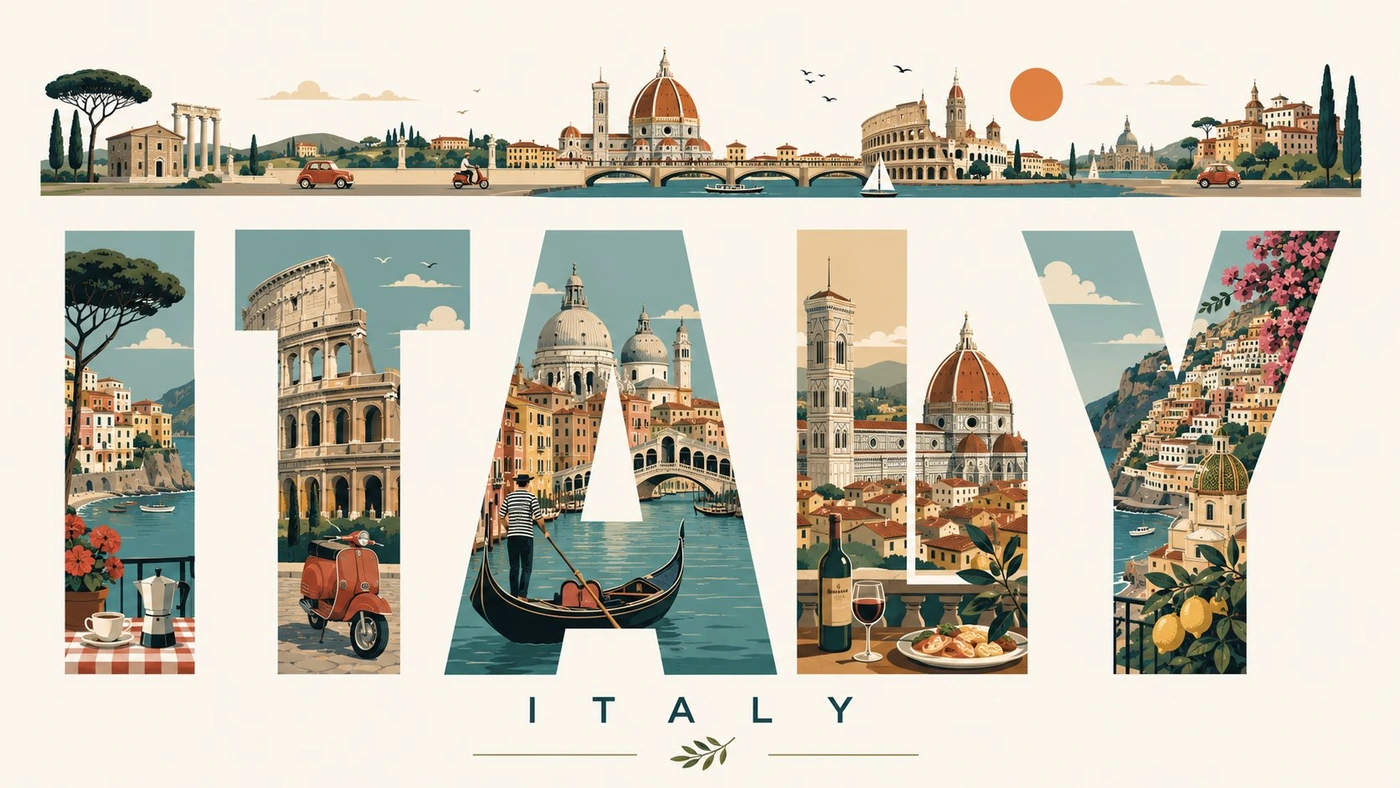
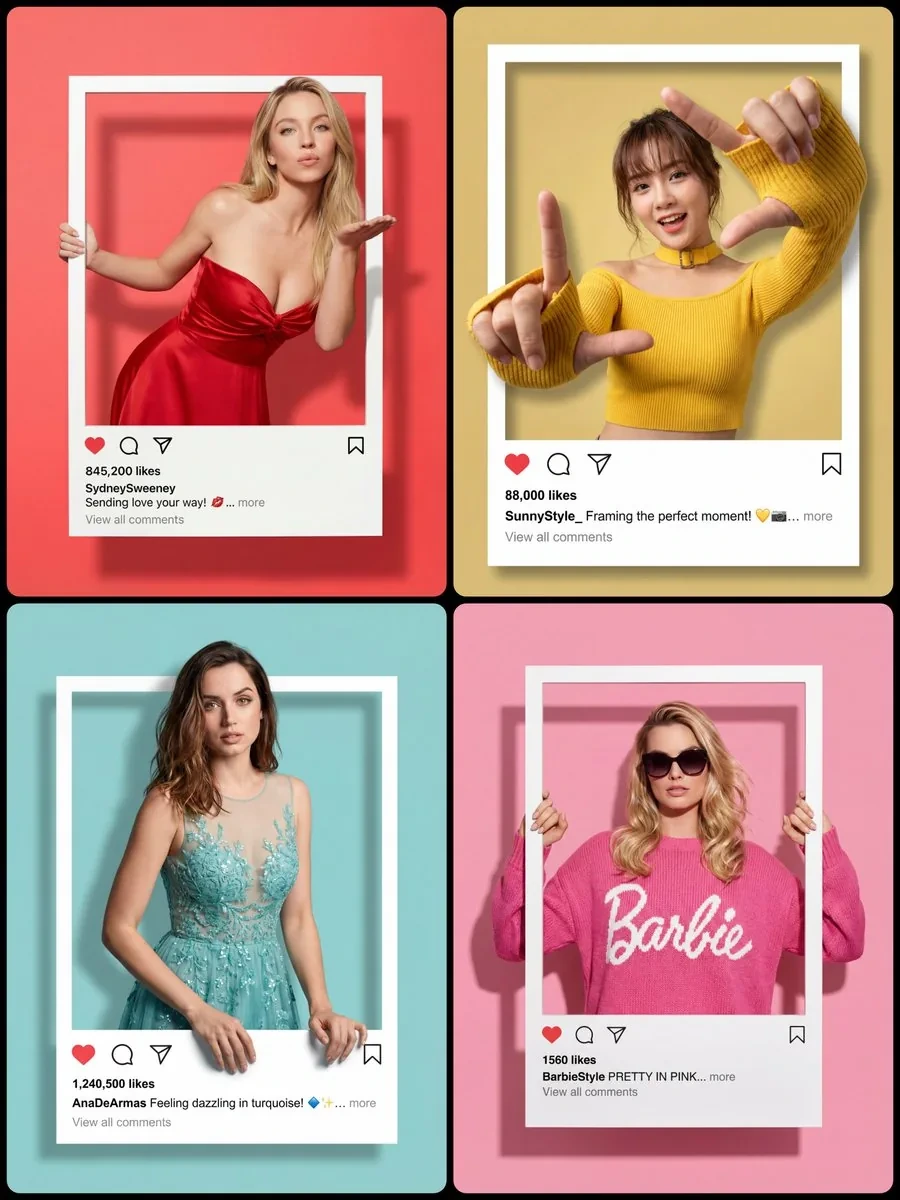
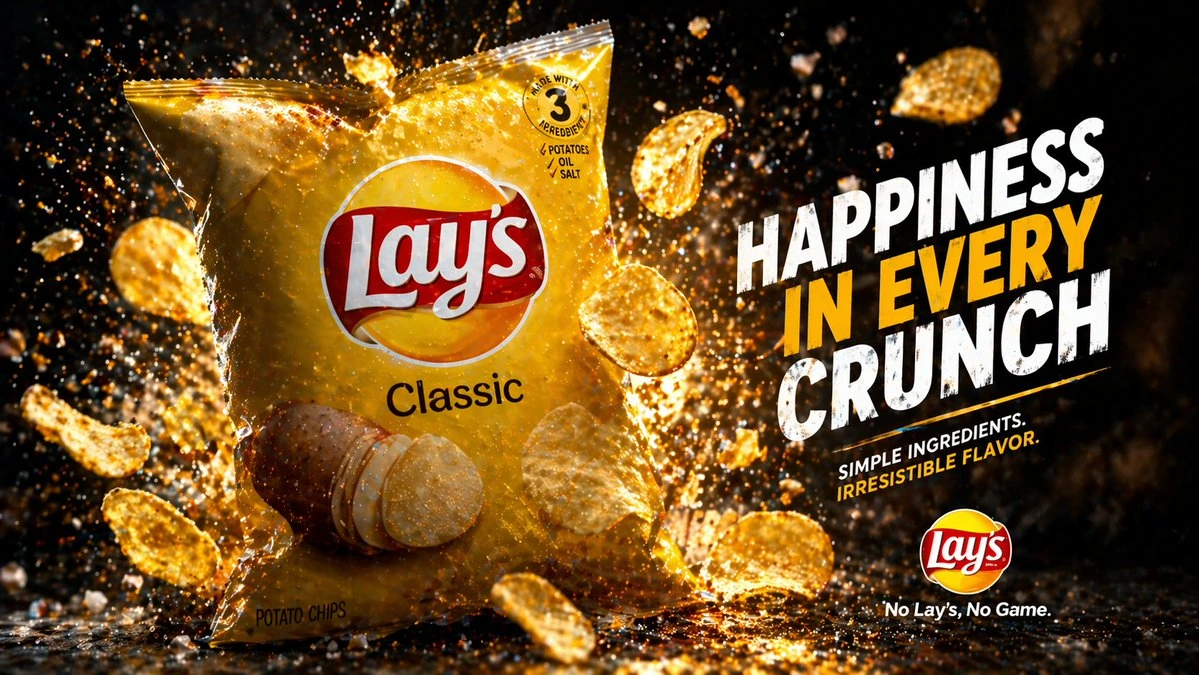
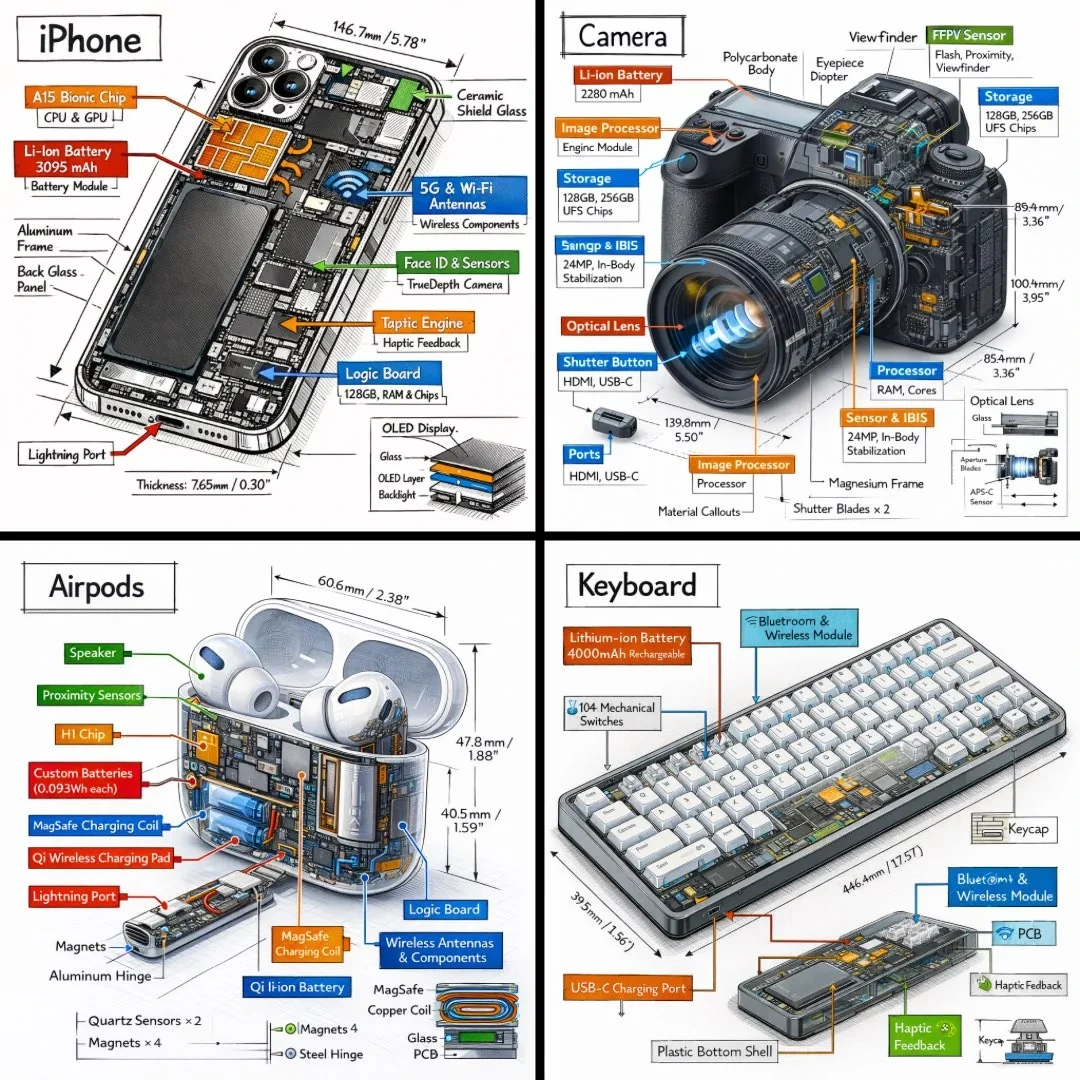
You do not need a long, engineered prompt. A clear sentence and an optional reference photo are enough for GPT Image 2 to return a finished result the first time.
Describe the subject, the style, and where the picture is set. Short and specific beats long and vague.
Add a photo when you want GPT Image 2 to keep a face, product, or exact color from something you already have.
Pick a ratio, hit generate, and get a finished image in under a minute. Download the full resolution result.
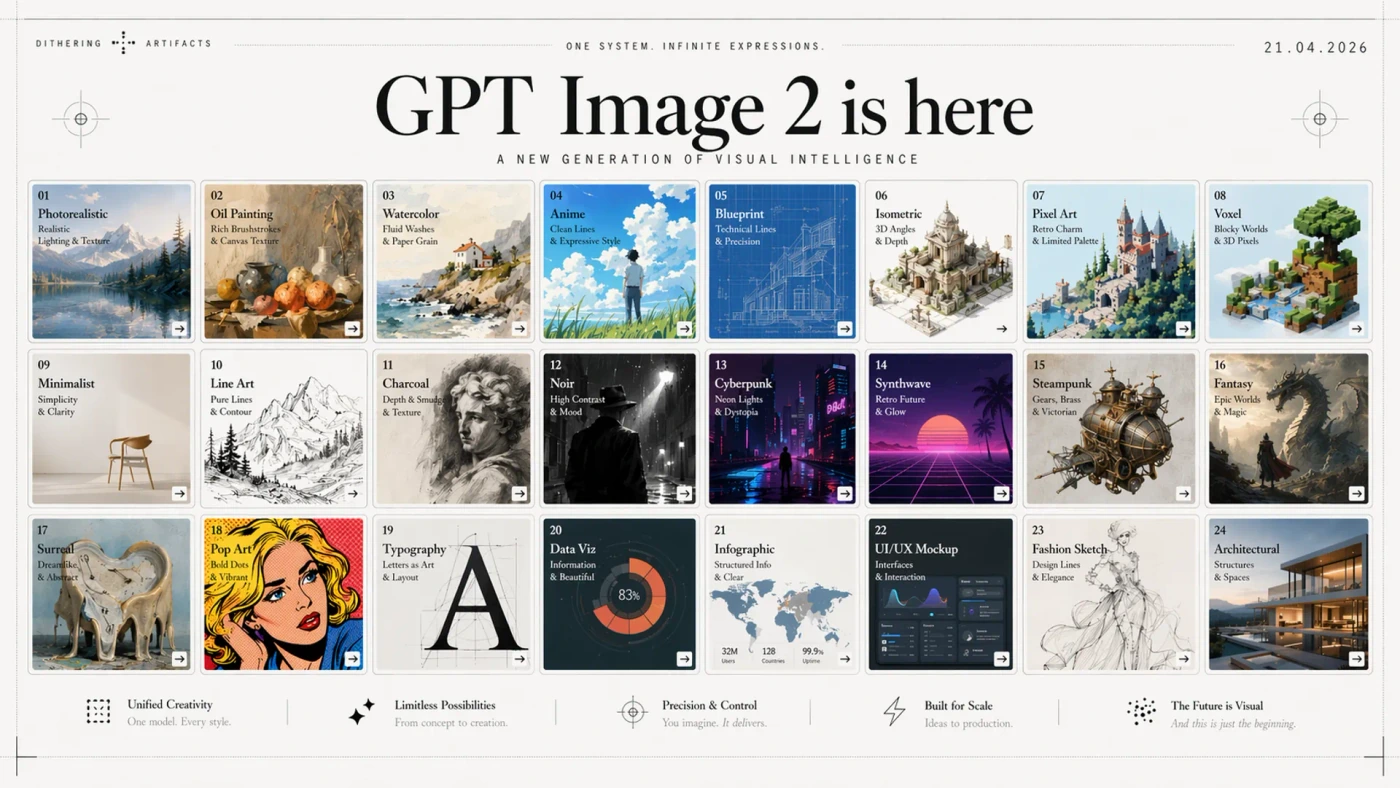
Three GPT Image 2 prompts you can copy and edit.
Six starting points that already work. Copy one, swap the bracketed parts for your own subject, paste it in above.
Drop a clean product photo as reference for consistent shape and color.
A cinematic product shot of [PRODUCT] on a matte off white surface, soft studio light from the left, sharp focus, subtle contact shadow, 45 degree angle, ready for an e commerce hero.
Great when you need a headline the viewer can actually read.
A modernist poster with the headline "[YOUR HEADLINE]" in a bold sans serif, centered composition, generous negative space, two color palette of cream and ink, print quality.
Upload one clear reference photo, then paste this to restage the person.
Keep the exact face from the reference photo. Place the person as [ROLE], wearing [OUTFIT], in [SETTING], soft window light, editorial photo look, 4:5 vertical frame.
One prompt, six on brand stickers for Telegram, Discord, or merch.
A set of six vinyl sticker illustrations of [SUBJECT], bold black outline, flat vivid colors, thick white border on each, isolated on transparent background, playful mood.
A quick visual to explain a process without opening a design tool.
A clean infographic titled "[TITLE]" that shows three steps: [STEP 1], [STEP 2], [STEP 3]. Large numbers, minimal line icons, one accent color, readable at a glance.
Turns a one line idea into a shot that looks pulled from a movie.
[CHARACTER] in [LOCATION] at [TIME OF DAY], anamorphic 2.39:1 frame, teal and orange color grade, shallow depth of field, soft film grain, cinematic lighting.
GPT Image 2 is a next generation image model that turns a written prompt or a reference photo into a finished picture. It is designed to handle both text to image generation and image editing, and it renders readable text inside the picture.
You can try GPT Image 2 for free right here on CartoMind. Sign in and you get free credits every month, with no credit card required. Extra credits are available on paid plans if you generate images at a higher volume.
The two big jumps are legible text inside the image and true reference based editing. That means real posters, real ad creatives, and real product edits, instead of vague pictures with garbled letters and a face that keeps changing.
Say what the subject is, what style it should look like, and where it is set. Keep it to one or two sentences. If you need exact wording on the image, put it in quotes. If you need a specific face, product, or color, add a reference photo instead of describing it.
Yes. Upload a reference photo, describe what should change, and GPT Image 2 returns an edited version while keeping the parts you did not mention. This works for background swaps, outfit changes, product retouches, and style transfers.
Yes. Images you generate on CartoMind are yours to use, including for commercial work such as ads, packaging, social posts, and client deliverables. You do not need to credit the model or the platform, and there is no separate license fee per image.
Generate Your First Image with GPT Image 2
Monthly credits on sign in, no credit card. Type one sentence, drop a reference photo if you have one, and watch GPT Image 2 draw it right here on the page.